
Connected stack
Northwind Labs
01
Save clips, remove messy formatting, and reuse text in one tap.
02
Northwind Labs
03
Vertex Rail
04
Orion Health
PASTE FASTER
Save clips, clean up pasted text, and keep snippets in sync across your laptop and browser. Smooth Paste cuts repeat typing for writers, developers, and office teams.
Connected stack
Save clips, remove messy formatting, and reuse text in one tap.
Northwind Labs
Vertex Rail
Orion Health




CORE FEATURES
Keep old copies ready for fast reuse.
Keep old copies ready for fast reuse.
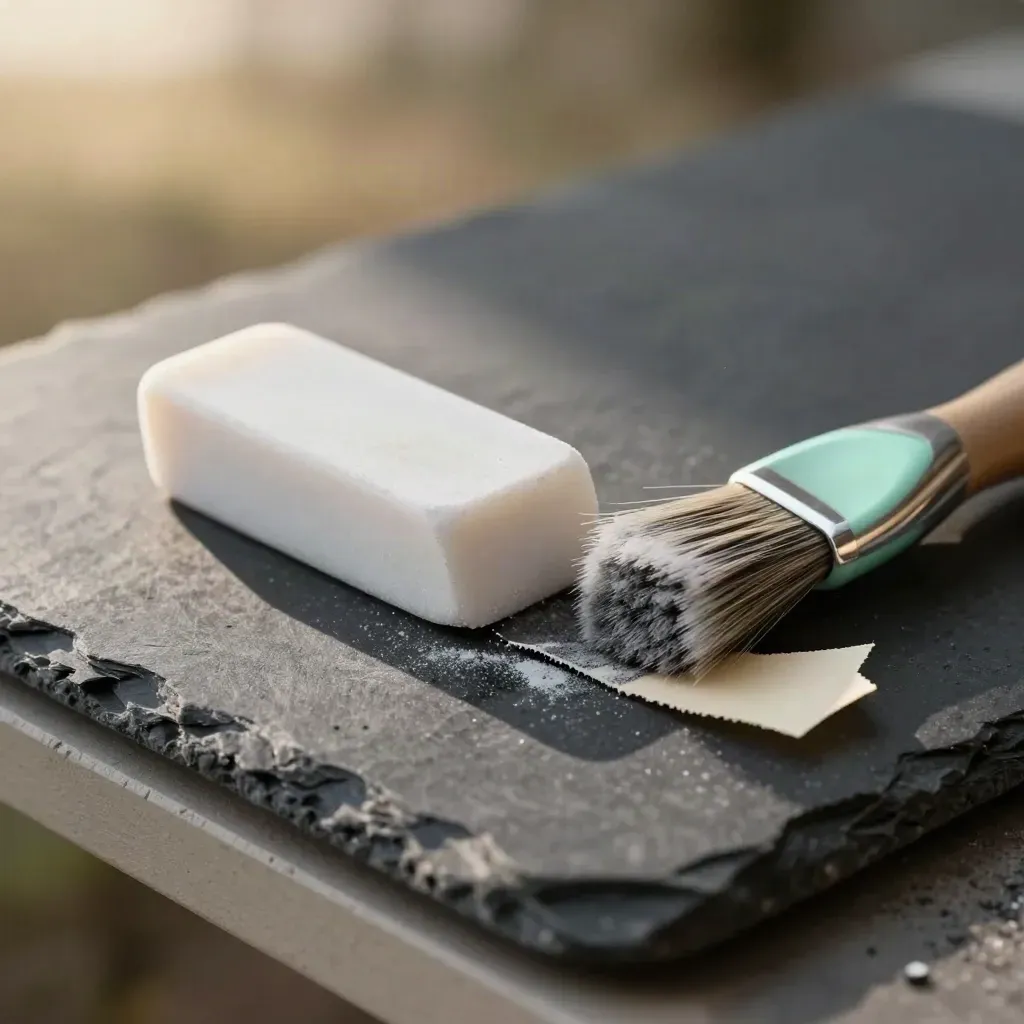
Remove bad fonts, colors, and spacing before paste.
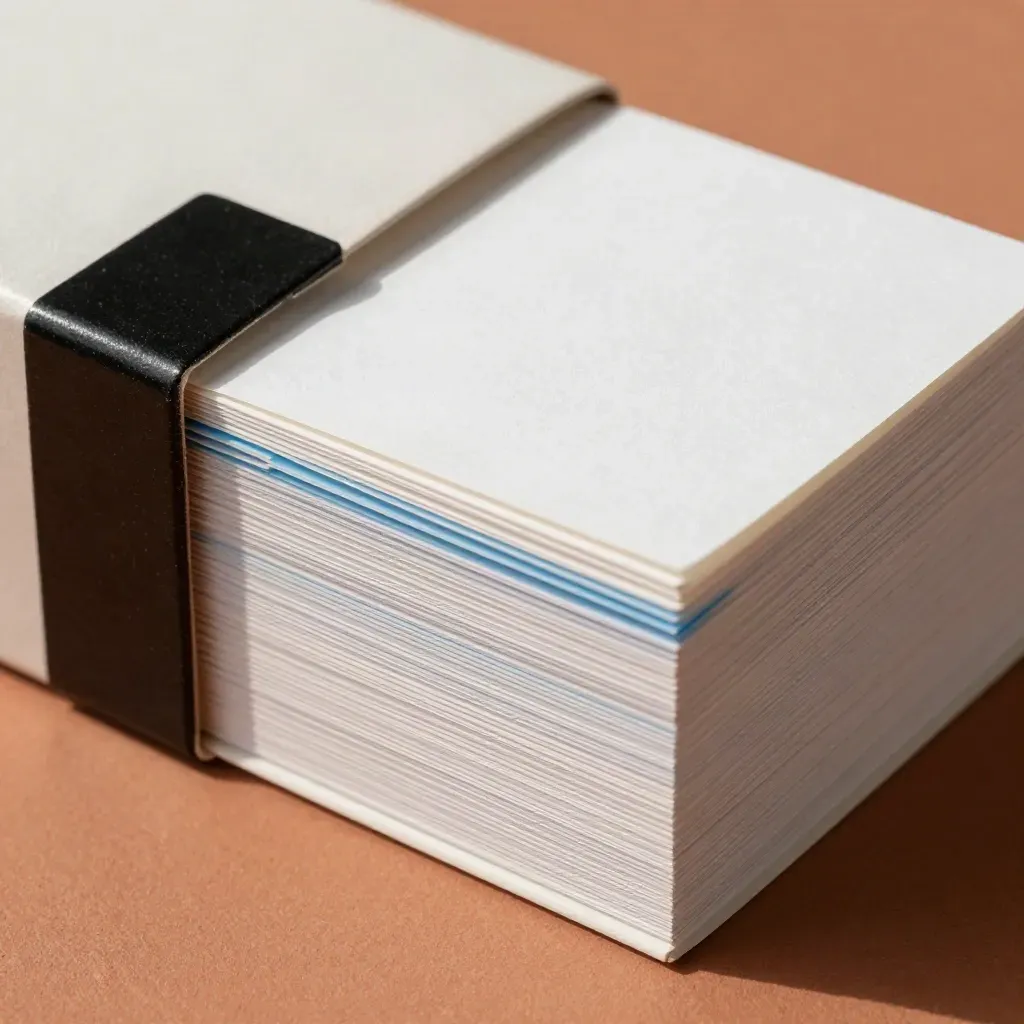
Store answers, code blocks, and notes in one place.
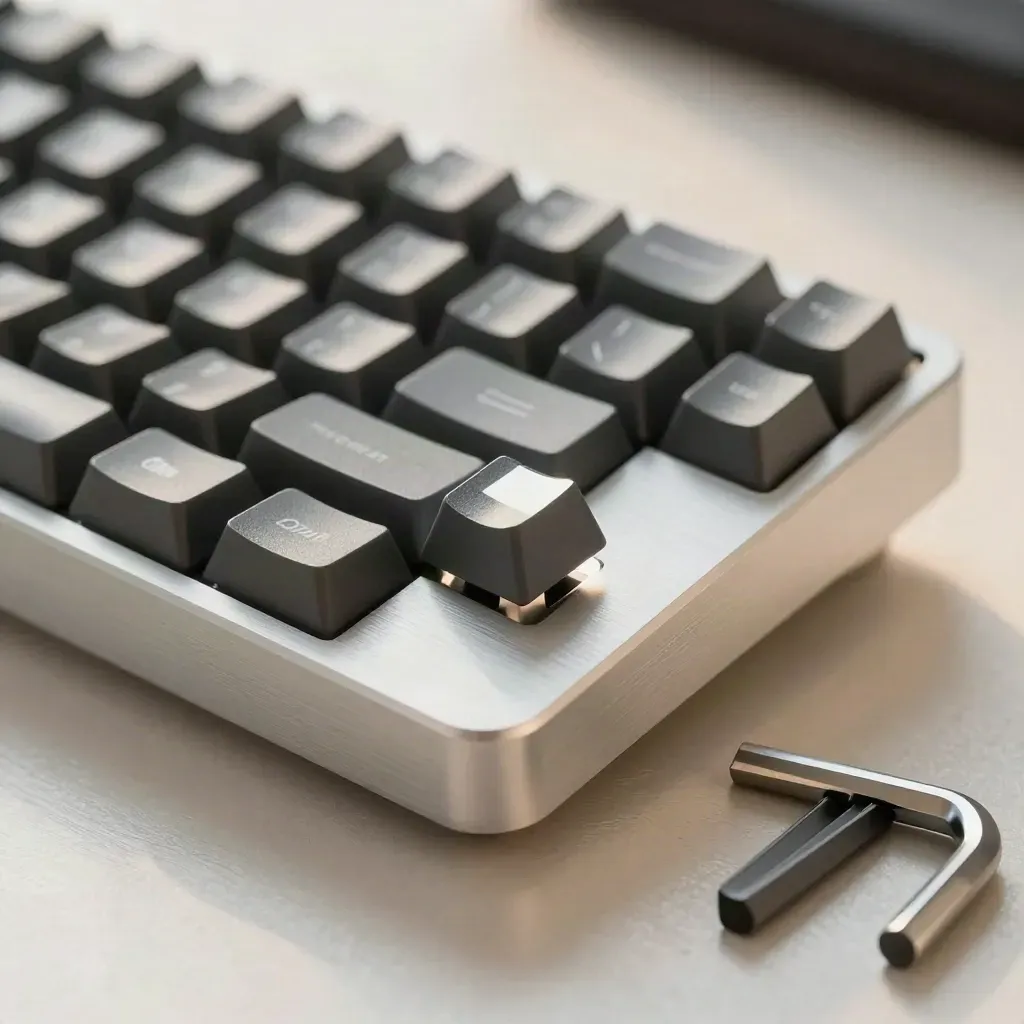
Paste and clean text without reaching for the mouse.

Use the same clips on laptop, desktop, and browser.

Paste clean text inside Chrome, Edge, and other work tabs.
WHO IT FITS
Save drafts, quotes, and calls to action, then paste them clean on any page.
Keep old copies ready for fast reuse.
Remove bad fonts, colors, and spacing before paste.
Store answers, code blocks, and notes in one place.
Paste and clean text without reaching for the mouse.

Use case 01
Save drafts, quotes, and calls to action, then paste them clean on any page.
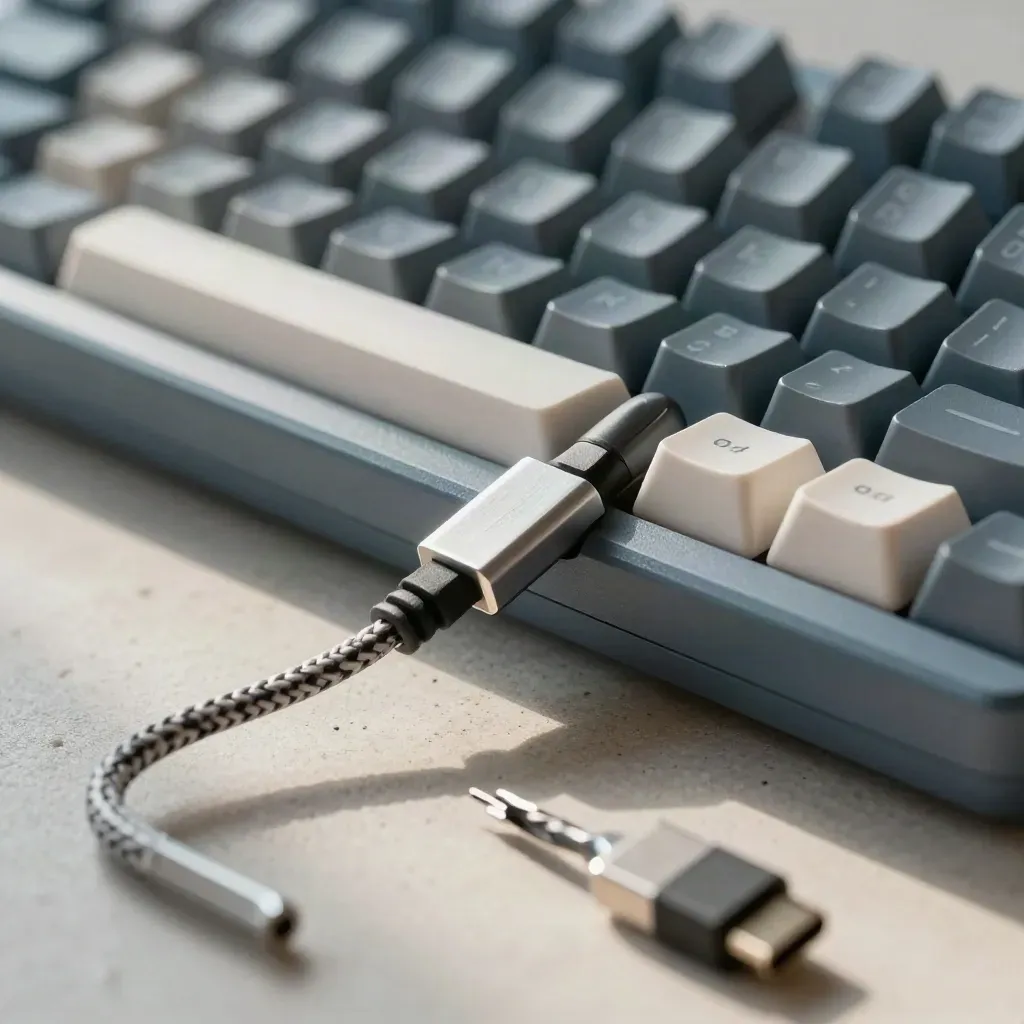
Use case 02
Keep code notes, commands, and bug replies ready with less typing.
Use case 03
Reuse approved text for support, sales, and ops without format mess.
less retyping
less retyping
paste cleanup
sync coverage
saved snippets
PRICING
Save 50 clips Basic format cleanup One device sync Ten saved snippets Keyboard hotkeys
$0
Save 50 clips
Basic format cleanup
One device sync
Ten saved snippets
$8
Unlimited clip history
Smart paste cleanup
Multi-device sync
Browser extension access
Custom
Unlimited team seats
Org-wide snippet library
Team-wide shortcut sets
Browser rollout support
Proof
“I paste clean text in one tap, and our support replies stay neat across every tool.”

Maya Chen
Support Lead @ Northwind Labs
“The snippet library cut our repeat typing. Code notes and replies are easy to find.”

Dylan Brooks
Engineering Manager @ Vertex Rail
“Our team keeps one voice in docs and chat. No more weird fonts or broken spacing.”
Priya Nanda
Ops Director @ Orion Health
Integrations
Save clips, remove messy formatting, and reuse text in one tap.
Save clips, remove messy formatting, and reuse text in one tap.

Save clips, remove messy formatting, and reuse text in one tap.

Save clips, remove messy formatting, and reuse text in one tap.

Save clips, remove messy formatting, and reuse text in one tap.
The Map
Journal

Questions
Quick answers before visitors choose a product, service, or next step.
It saves clips, strips bad formatting, and pastes clean text with keyboard shortcuts and browser help.
Yes. Sync your clips and snippets across desktop and browser so the same text is ready anywhere.
Yes. It removes fonts, colors, links, and spacing so pasted text matches the page you're on in a second.
It fits writers, developers, and office teams that reuse text all day and want less repeat typing.
Yes. Start free and try the clip save, cleanup, and sync tools before you move to Pro for yourself or your team.
Yes. Pro and Enterprise let teams keep shared text ready for support, sales, and ops work in one place.
Get short notes on cleaner paste habits, keyboard shortcuts, and new Smooth Paste updates.

